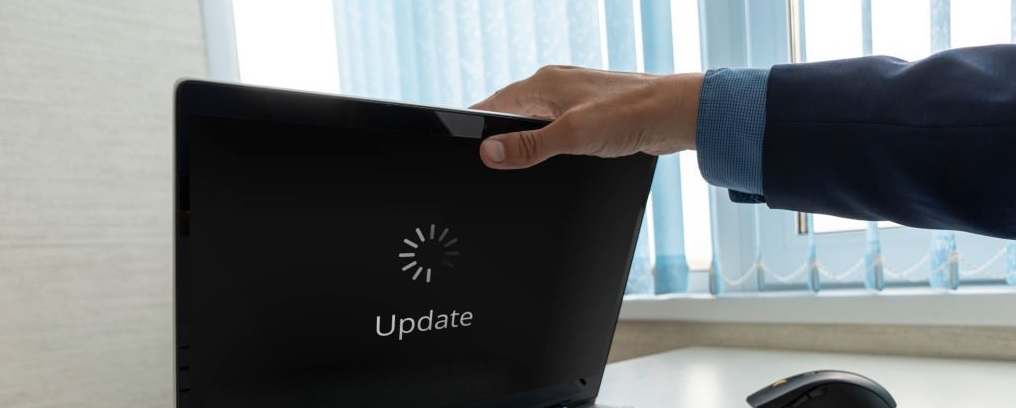
OS Installations and Upgrades:
OS Installations and Upgrades – the root of your system needs to be right!
Windows OS installation and upgrades can be a real pain, but that’s where I come in. At AAA Computer Repair, I’ve got the expertise to handle everything from simple upgrades to full reinstalls – and make sure your data’s safe throughout the process.
Need to upgrade to Windows 11? I’ve got you covered. I’ll assess your system’s compatibility, ensure all drivers are updated, and handle the installation process seamlessly. If you’re experiencing issues with your current OS, I’ll diagnose the problem and recommend the best course of action – whether that’s a repair, reinstall, or upgrade.
What sets me apart is my attention to detail and commitment to getting it right. I’ll take care of the nitty-gritty, ensuring your apps and data are preserved, and your system is secure and up-to-date. And with my transparent pricing, you’ll know exactly what you’re getting and what it costs – no surprises.
As a local business in Ocala, FL, I’ve earned a reputation for exceptional service and results. When you choose AAA Computer Repair for OS installation and upgrades, you’re getting a partner who’s invested in your computer’s success. I’ll work with you to get your system running smoothly, and provide tips to keep it that way.
Upgrading from Windows 10 to 11? Let’s do it! I’ll ensure a smooth transition, preserving your files and settings, and you’ll get to experience the new features and improved security of Windows 11 hassle-free.
Don’t risk a DIY disaster – let me handle the OS installation and upgrades for you. With AAA Computer Repair, you’re in good hands. I’ll get your system up and running, and you’ll be back to productivity in no time.
Is it worth upgrading my Ocala home computer to Windows 11?
If your hardware supports it, yes. Windows 11 offers better security and a more modern interface. However, we also help customers who prefer Windows 10 stay secure. We can evaluate your PC during a house call to see which version will run most reliably for you.
Can you perform a clean install if my Windows is corrupted?
Yes. If your operating system is beyond repair, a “Clean Install” is the best way to start fresh. We back up your data first, wipe the drive, install a fresh copy of Windows, and then move your files back, resulting in a perfectly stable system.
Will my old programs still work after an OS upgrade?
Most modern programs work fine on Windows 10 and 11. During our visit, we check for compatibility issues with older software or specialized hardware (like older printers) to ensure you won’t lose access to the tools you use every day.
How do you handle Windows activation and licensing?
We always use genuine licenses. If your computer already has a digital license for Windows, we will ensure it reactivates properly. If you need a new license, we can help you acquire a legitimate key so your system stays fully supported by Microsoft.
Do you offer hardware cleaning or tune-ups during an OS install?
Yes! A fresh start for your software is the perfect time for a hardware “Tune-Up.” We can blow out dust from internal fans and vents to prevent overheating, ensuring your new Windows installation runs as cool and fast as possible.
Click here to return to the full list of services!
Click here to see our Google reviews!